Never Lose Progress
Your progress is saved atomically. Game crash or PC shutdown? No problem. SimDuty restores the exact state of your trip.
A persistent ELD/HOS system, crash-resilient and with complete auditing for American Truck Simulator and Euro Truck Simulator 2.
Join our Discord for updates, alpha-tester invites, and support.Your progress is saved atomically. Game crash or PC shutdown? No problem. SimDuty restores the exact state of your trip.
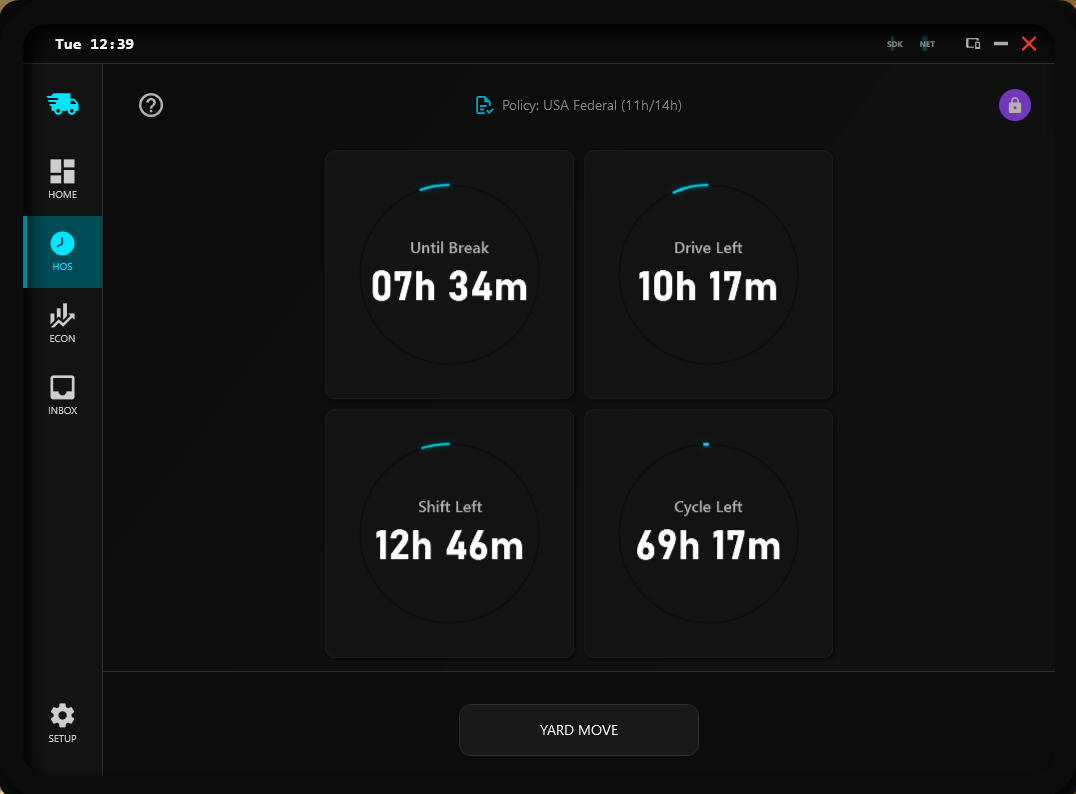
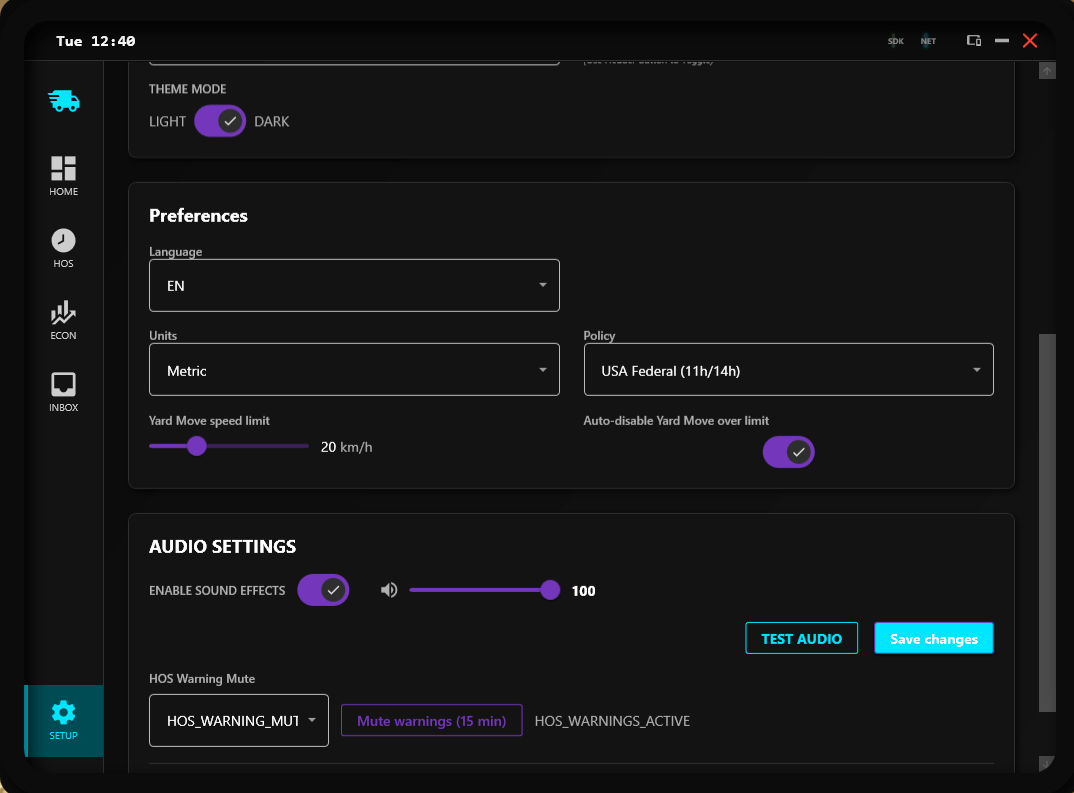
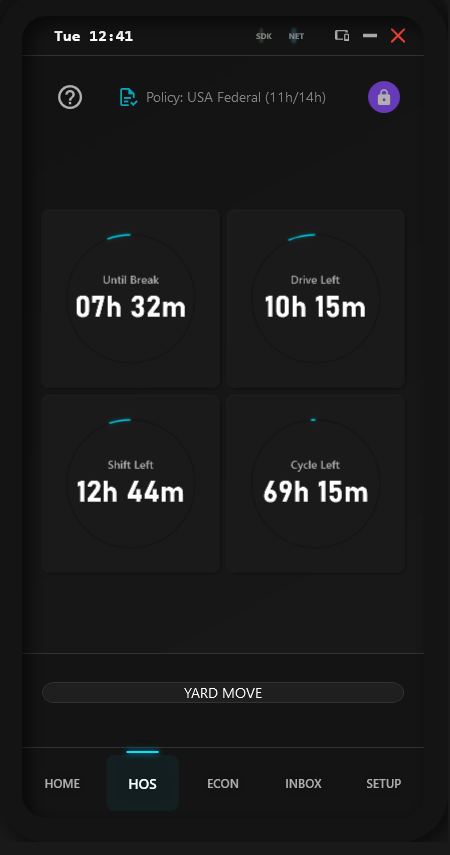
Hours of Service rules (USA, Canada, Brazil, EU) with dynamic switching. Rest, drive, and shift cycles calculated precisely.
Every event is logged in a cryptographically chained Ledger (SHA256). Ideal for VTCs requiring proof of integrity.
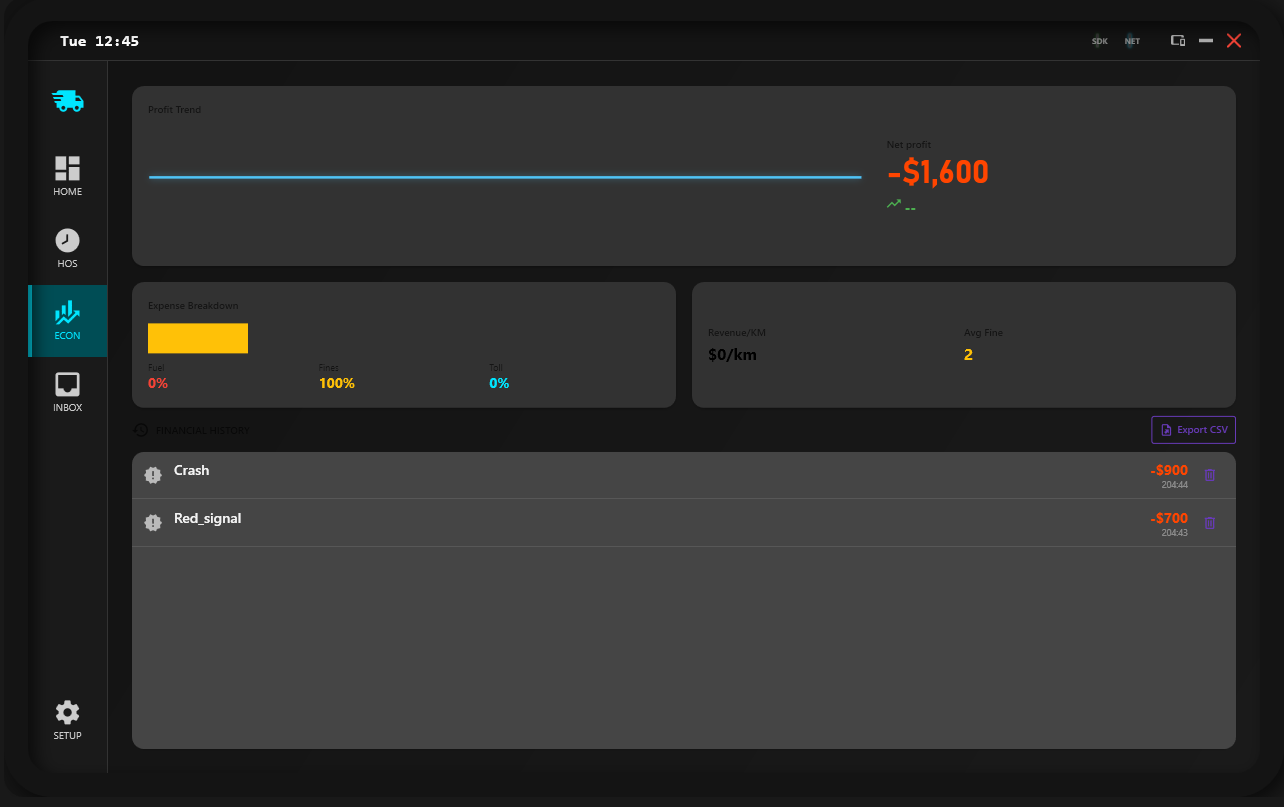
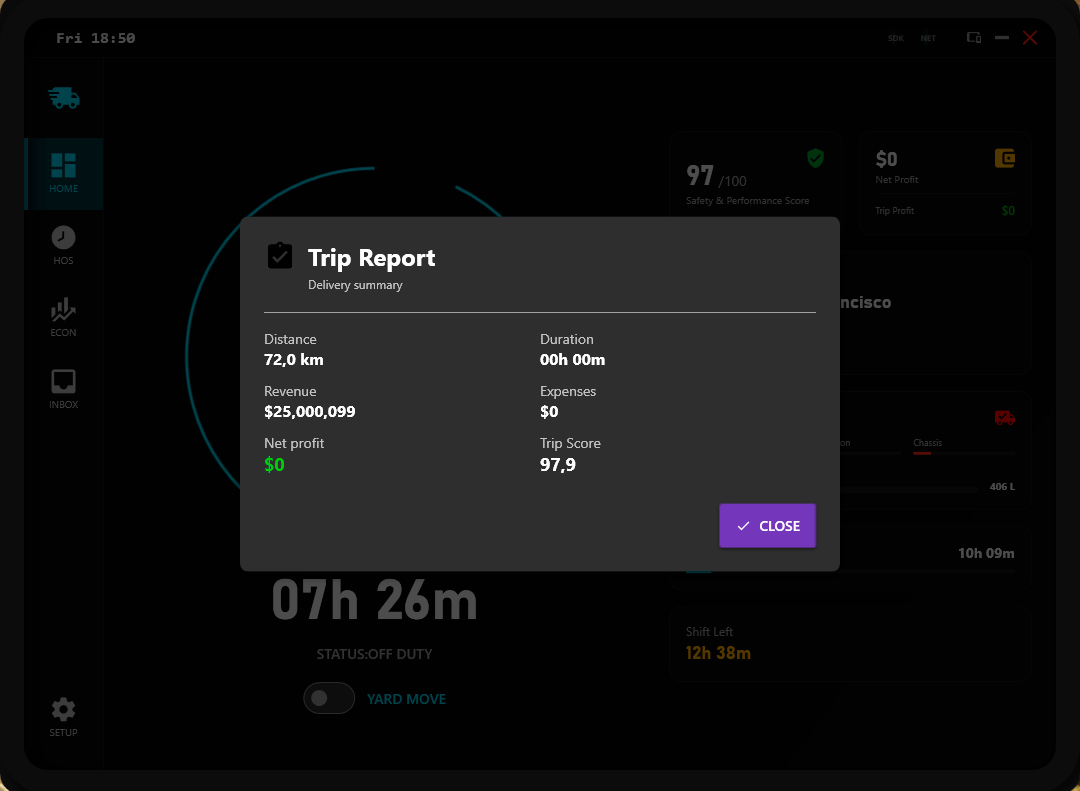
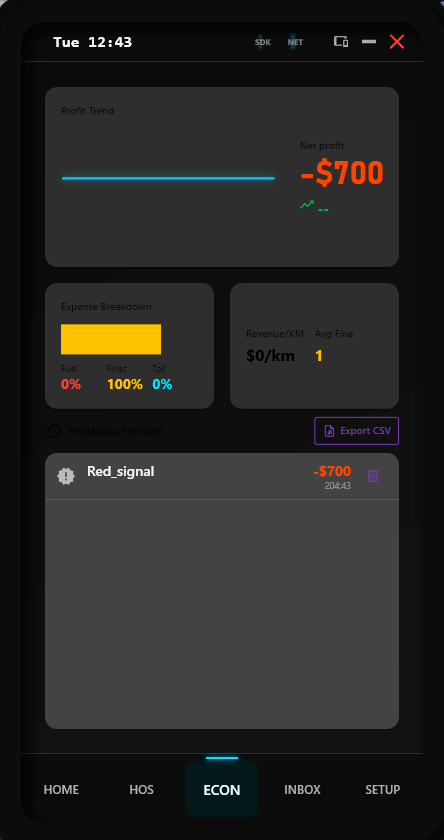
Track every expense: fuel, tolls, fines. See exactly how much that speeding ticket cost you.
No more math. No more fines.
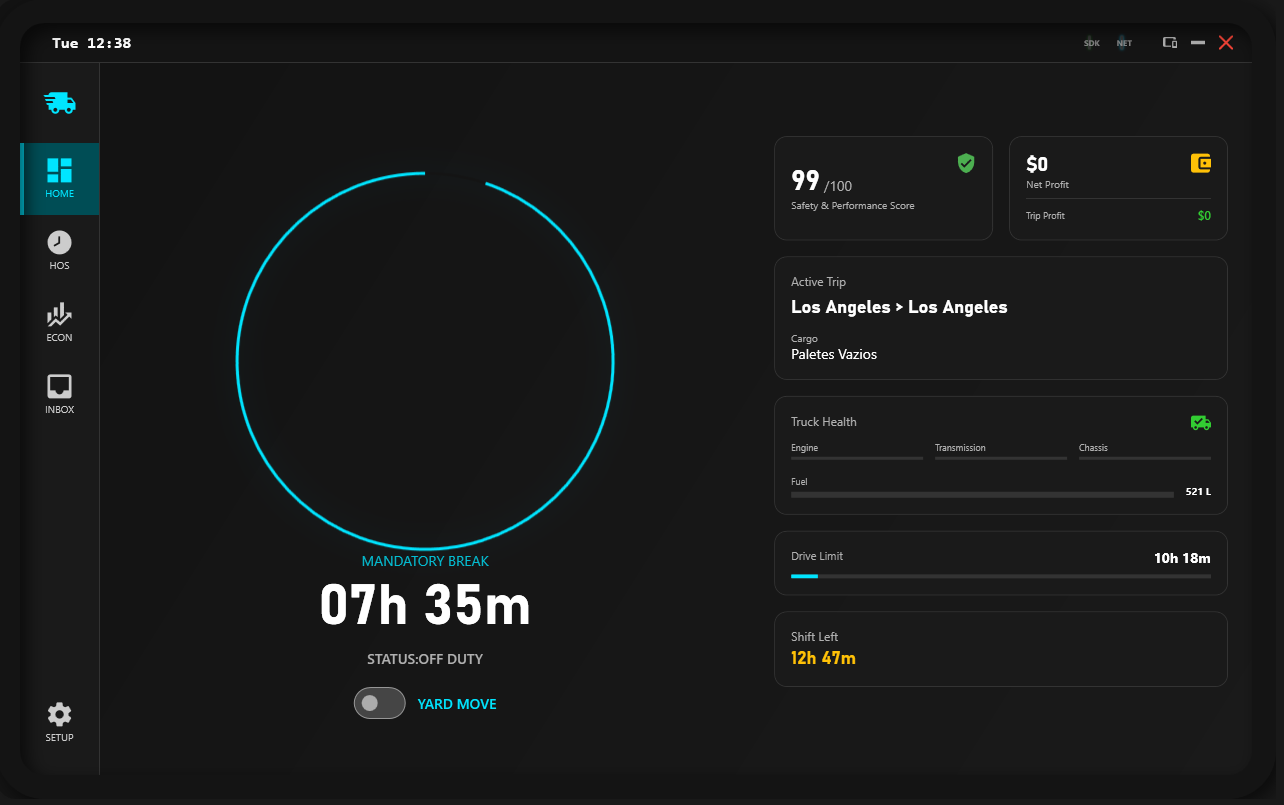
SimDuty manages your Drive & Rest times automatically. Just drive until the clock turns red, then rest. It's that simple.
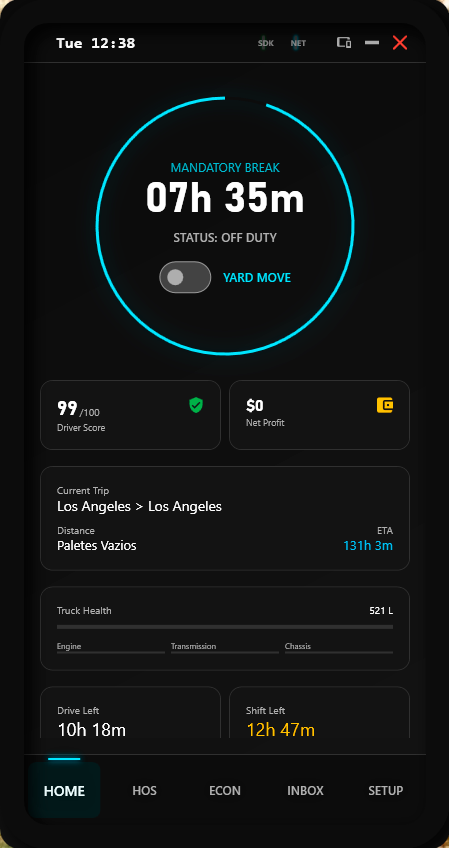
Simulates Drive Left, Shift Left, and Cycle Left in real-time.
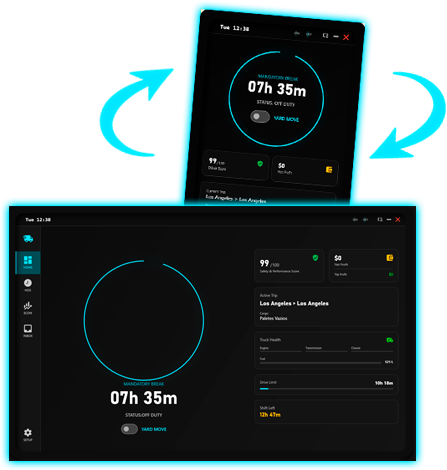
SimDuty is a Windows Application that adapts to your needs. Switch between Desktop, Tablet, and Smartphone simulation modes instantly.
Versioned saves, atomic writes, and resilient persistence.
Trip checkpoints, reload safety, and odometer monotonicity.
Audit log with hash chaining and debug counters.
Modular HOS policies and runtime switching.
UI polish, alerts, and remaining UX tasks.
Economy sync, localhost access, and dispatch assistant.
Downloads are available in our Discord #downloads channel. Includes the Desktop App and necessary plugins for ATS/ETS2.
Compatible with Windows 10/11 x64
Loading hash...
Unzip SimDuty-Release.zip to a folder of your choice (e.g.,
Documents/SimDuty).
Copy the DLLs from the plugins folder to the game plugins
folder:
American Truck Simulator/bin/win_x64/pluginsEuro Truck Simulator 2/bin/win_x64/pluginsLaunch SimDuty.exe first, then start your game. The system
connects automatically when you enter the truck cabin.