First Run + Offline Save
Onboarding, DLL placement, and offline save prep before you open the game.
Local-first, audit-ready, built for real HOS, Dispatch, Economy, DVIR, and setup workflows.
Onboarding, DLL placement, and offline save prep before you open the game.
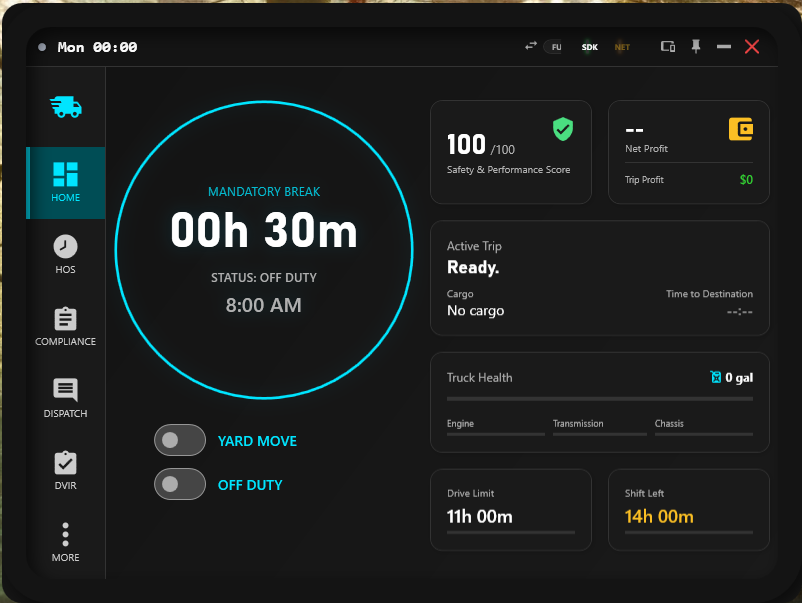
Read the main dashboard, trip status, and drive limits before you leave the yard.
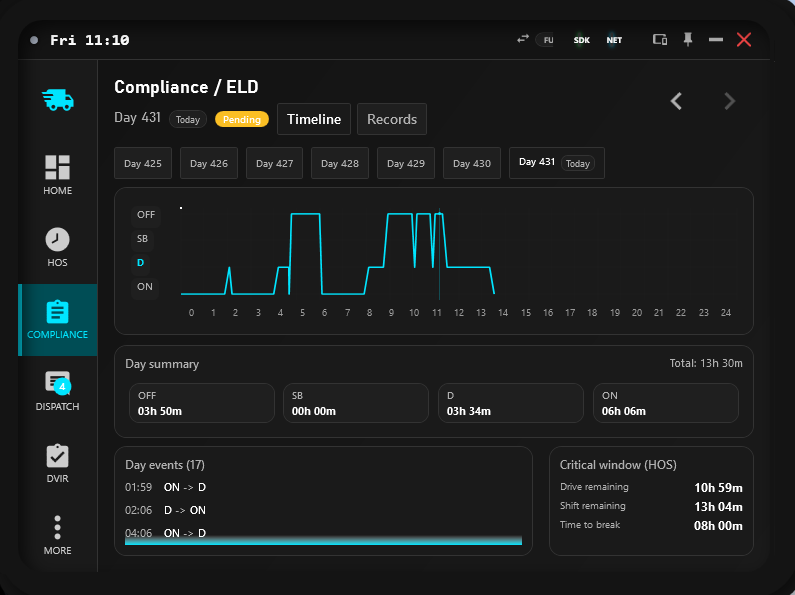
Certify logs, manage persona threads, and keep audit history and requests in one surface.
Track costs, clear inspections, tune the app, and follow support or Linux/Proton guidance.
No more math. No more fines.
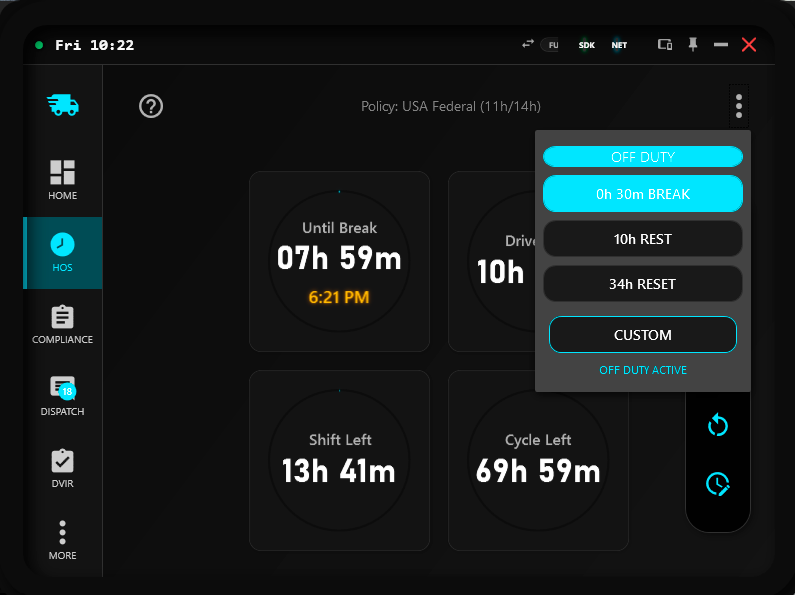
SimDuty manages your Drive & Rest times automatically. Just drive until the clock turns red, then rest. It's that simple.
Simulates Drive Left, Shift Left, and Cycle Left in real-time.
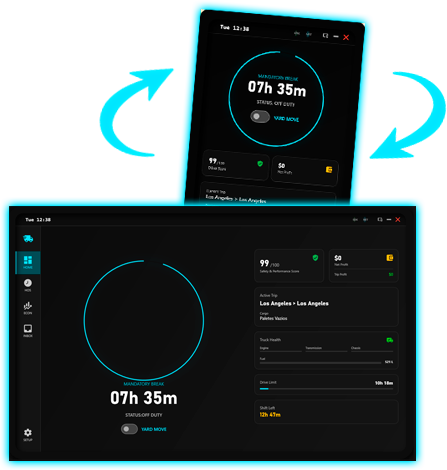
SimDuty is a Windows Application that adapts to your needs. Switch between Desktop, Tablet, and Smartphone simulation modes instantly.
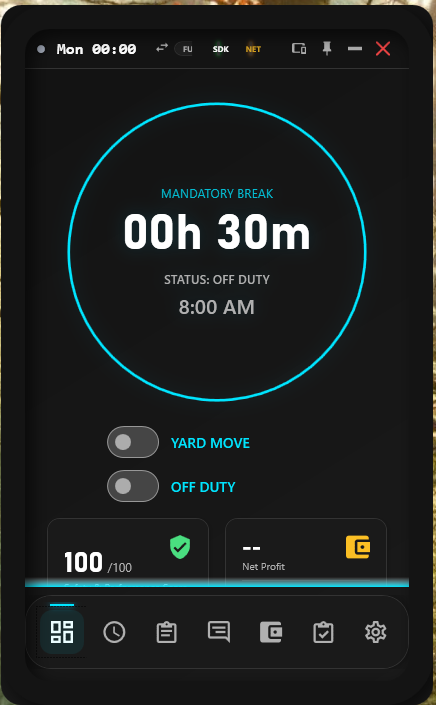
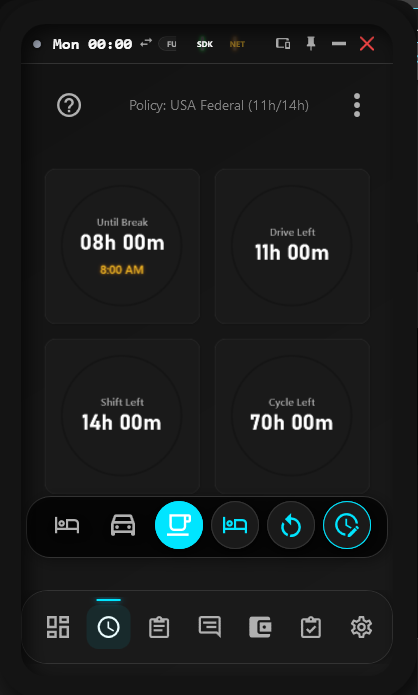
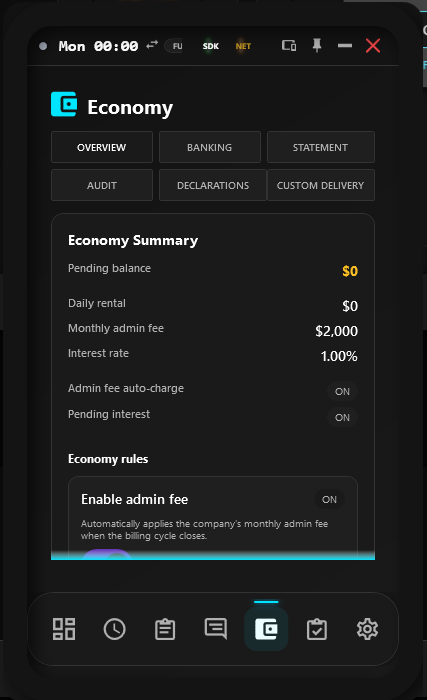
This roadmap keeps the shipped modules visible and highlights the future work planned next.
Transitioning the core infrastructure to support online data persistence and integrating a custom Discord bot for connected workflows.
Current builds are posted in Discord #downloads. Verify the SHA256 locally before you run them.
Compatible with Windows 10/11 x64
Loading hash...
Keeps data on your machine, with no server upload during normal operation.
Verify SHA256 locally and inspect ELD exports before you trust a build.
Use the wiki, troubleshooting, Linux/Proton guidance, and Discord support when you need a recovery path.
Built for Windows 10/11 x64 with support for ATS/ETS2 and compact layouts.
Unzip SimDuty-Release.zip to a folder of your choice (e.g.,
Documents/SimDuty).
Copy the DLLs from the plugins folder to the game plugins
folder:
American Truck Simulator/bin/win_x64/pluginsEuro Truck Simulator 2/bin/win_x64/pluginsLaunch SimDuty.exe first, then start your game. The system
connects automatically when you enter the truck cabin.
Read the docs, inspect the roadmap, analyze an ELD export, or join Discord for support and updates.